How to Upload Your Dental X-Rays and Records for a Second Opinion
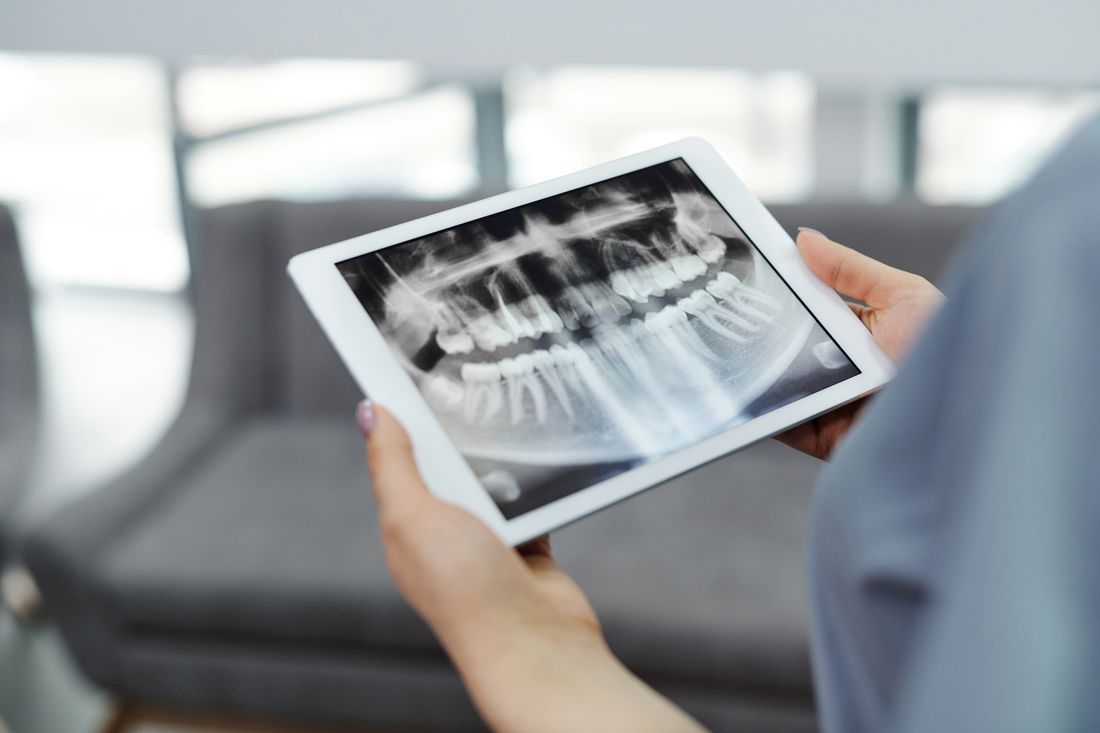
How to upload dental X-rays for a second opinion: which images to send, accepted file formats, photo tips and how to request your records from your dentist.
Reviewed by the toothcheck Dental Team Independent dentist providing online second opinions.
Most people who ask for a second opinion are not in pain. They have been told they need a crown, a root canal, an extraction or an implant, and they want to know whether that is right. The quality of the answer depends almost entirely on what you send. A reviewer can only comment on what they can see.
The most common problem we see is not a hard case. It is a case where only one image was uploaded, or the wrong kind of image, so the reviewer cannot answer with confidence. This guide shows exactly what to gather, how to get it from your dentist, and how to upload it so your report answers your actual question.
Quick Answer
To upload dental X-rays for a second opinion, gather all your recent X-rays (not just one), your written treatment plan or quote, the tooth numbers and what you were told, and photos if your concern is something a film cannot show. Send them as JPEG, PNG or PDF files, or a single 2D X-ray as DICOM. If you only have a phone photo of a film or screen, make sure it is in focus, fills the frame and has no glare. Then start your online dental second opinion and attach everything in one go.
Step 1: Get Your Records From Your Dentist
You are entitled to copies of your records. In the US, the HIPAA right of access gives patients the right to request their health records, including dental X-rays (see the HHS HIPAA guidance). You do not have to justify the request, and asking for copies does not mean you are leaving the practice.
The simplest way is a one-line request to the front desk, by phone, email or patient portal:
"Could you please email me copies of my X-rays from the last two years, plus my current treatment plan with tooth numbers and fees?"
A few practical points:
- Many practices can export images in minutes and email them or release them through a portal.
- Some practices charge a modest copying fee. That is normal.
- Ask for the images as files, not just a printout, where possible.
- If you want help with the process, our guide on how to get your dental records and X-rays covers it in more detail.
Step 2: Know What to Include
Sending more of the right material beats sending one image. This is what a useful submission contains.
| What to include | Why it matters | Format |
|---|---|---|
| All recent X-rays (bitewings, periapicals, panoramic if you have one) | Bitewings show cavities between teeth and bone levels; periapicals show the root and surrounding bone; a panoramic gives the overall picture | JPEG, PNG or single DICOM |
| The written treatment plan or quote | Shows exactly what is proposed, which teeth and at what cost | PDF or clear photo |
| Tooth numbers and what you were told | Lets the reviewer match your question to the right tooth | Short typed note |
| Intraoral photos (if relevant) | Needed for cracks, erosion, staining, gum issues or any surface a film cannot show | JPEG or PNG |
| Any older X-rays of the same tooth | Shows whether something has changed over time | JPEG, PNG or single DICOM |
Send all recent X-rays, not just one
If you were told a tooth needs a root canal, send the periapical of that tooth, but also send the bitewings and any panoramic. The surrounding teeth and bone often matter. A single cropped image of one tooth limits what can be said about the cause, the bone support and whether neighbouring teeth are involved.
Include the written plan
The plan tells the reviewer what is being proposed and for which teeth. A treatment plan review is much more useful when the plan itself is attached, since wording like "crown on 14" or "deep cleaning, four quadrants" is specific. See our page on dental treatment plan review for what the plan check covers.
Write down tooth numbers and what you were told
A short note saves guesswork. For example: "Dentist said tooth 19 needs a root canal and crown. No pain, but cold sensitivity sometimes. Quote is 2,100 dollars." Include the symptoms you have, or say that you have none. If you do not know the tooth number, look at the treatment plan, which almost always lists it.
Add photos when a film cannot show the problem
X-rays show bone, roots and decay between teeth. They do not show a surface crack, enamel wear, staining or a gum problem well. If your concern is one of those, take intraoral photos as described below. Our guide on which dental images matter for which treatment breaks this down by procedure.
Step 3: Accepted File Formats
- JPEG and PNG: the most common and easiest. Exported X-ray images and phone photos both work.
- PDF: best for treatment plans, quotes and printed reports.
- DICOM: a single 2D X-ray exported as DICOM is fine.
- Phone photos of films or screens: acceptable if clear. See the tips below.
What we do not handle is a 3D CBCT scan. If your case truly needs 3D imaging, for example some implant planning or complex wisdom tooth questions, the report will say so and advise an in-person specialist rather than guess from 2D images.
Step 4: Photograph an X-Ray Properly
Sometimes you only have a printed film, or you can see the X-ray on the dentist's monitor but cannot get the file. A phone photo can work if you do it carefully.
1. Capture the whole film. Do not crop out teeth at the edges. Left and right sides both matter. 2. Fill the frame. Get close enough that the image takes up most of the photo, with the edges of the film still visible. 3. Avoid glare. Hold a printed film against a window or a plain light source, or lay it on a white sheet of paper. For a screen, angle the phone slightly to remove reflections of lights or yourself. 4. Hold steady and focus. Tap the screen to focus, and retake if text or edges look soft. 5. Use good lighting. Even, bright light without harsh shadows. 6. Take one photo per image. Do not photograph several films in one shot.
If the image is too blurry or reflective for a tooth to be judged, a good report will say that clearly. That is better than a confident answer based on a poor image, but it means a second upload.
Step 5: Take Useful Intraoral Photos
If you are worried about a crack, worn enamel, staining, a chipped filling or a gum issue, add photos of your mouth.
- Use natural daylight or a bright lamp, and turn the phone flash off if it creates glare.
- Take a close photo of the area of concern, and a wider photo showing the neighbouring teeth.
- Take the biting surface and the side surface of the tooth if both are relevant.
- Dry the tooth gently with a clean tissue first; saliva shine hides detail.
- Do not use filters or editing.
Photos supplement the X-rays rather than replace them. A crack that a film cannot show may be visible in a good photo, and a clear photo of a worn tooth can help show whether a crown is necessary or whether monitoring is reasonable.
Common Mistakes That Weaken a Report
- Uploading a single image. One bitewing cannot answer a question about a root, and one periapical cannot show the whole mouth.
- Cropped films. Cutting off the edges removes teeth that may matter.
- Blurry or glare-covered photos. If the reviewer cannot see it, they cannot comment on it.
- No treatment plan. Without the plan, the reviewer has to guess what was proposed.
- No tooth numbers or context. The question "is this right?" is hard to answer without knowing which tooth and what you were told.
- Very old images only. If your only X-rays are several years old, say so. Recent images give a more reliable picture.
What Happens After You Upload
A licensed dentist reviews your X-rays, photos and treatment plan and writes a plain-English report. It tells you what the images show, whether the proposed treatment looks appropriate, what alternatives or monitoring options may exist, and what questions to ask your own dentist. It costs a flat 59 dollars and usually arrives within 72 hours. Learn more about the dental X-ray review service, and what you can see in an image in our guide to reading dental X-rays.
A second opinion is not a replacement for an in-person exam. If the review suggests something needs a clinical check, such as probing, a bite test or 3D imaging, the report says so. For general information on dental care and procedures, the American Dental Association is a reliable resource.
Privacy and Security
Your records are handled securely and used only to prepare your report. Upload only what relates to your question. If a PDF includes insurance IDs or unrelated personal information, you can crop or redact it before sending, as long as the treatment details and tooth numbers stay readable.
FAQ
Can I upload a phone photo of my X-ray instead of the original file? Yes, if the photo is sharp, fills the frame and has no glare. A photo of a printed film or of the image on your dentist's screen can work. If the reviewer cannot judge a tooth from the photo, the report will say so rather than guess, so an original file is always the safer choice when you can get one.
Do I have a right to a copy of my dental X-rays? In the US, the HIPAA right of access lets you request copies of your records, including X-rays, from your dental practice. Ask the front desk or use the patient portal. Practices may charge a reasonable fee for copying, but you do not need to explain why you want them.
Which file formats are accepted? JPEG and PNG images, PDFs for treatment plans and quotes, and a single 2D X-ray exported as DICOM. Phone photos of printed films or screens are fine if they are clear.
Can you review my 3D CBCT scan? No. toothcheck reviews 2D X-rays, intraoral photos and written plans. If your case truly needs 3D imaging to answer safely, the report says so and advises an in-person specialist.
What if I only have one X-ray? Upload it, along with your treatment plan and a note on what you were told. The report will tell you what it can and cannot confirm from that image and which additional image, if any, would settle the question.
Are my records kept secure? Your files are used only to prepare your report and are handled securely. Upload only what is relevant to your question, and avoid sending documents that contain unrelated personal details such as insurance numbers.
Final Checklist
Before you upload, check that you have: all recent X-rays, the written treatment plan, tooth numbers with a short note of what you were told, and photos if your concern is a crack, wear or staining. Make sure every image is in focus, uncropped and free of glare. Then start your online dental second opinion and attach everything together so the report can answer your question directly.
Last medically reviewed: October 2026